Expense Tracker
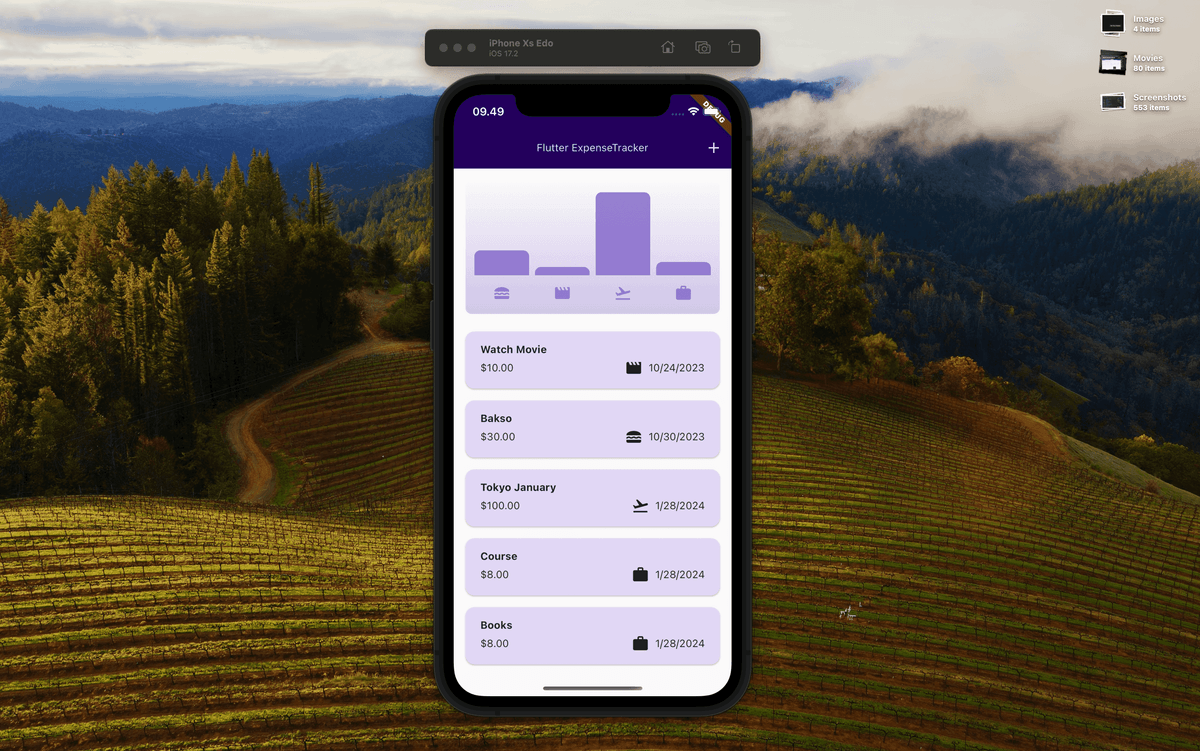
Expense Tracker is a simple expense recording application. With it, you can find out the percentage of your expenses without having to calculate manually.
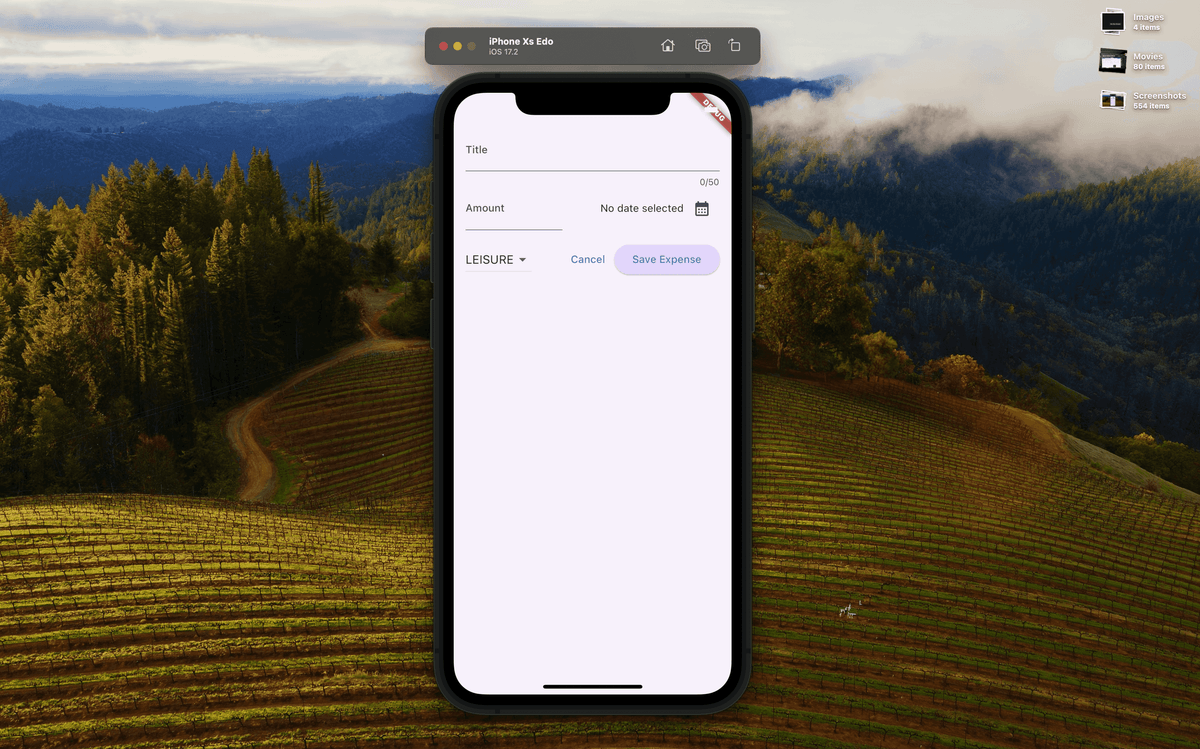
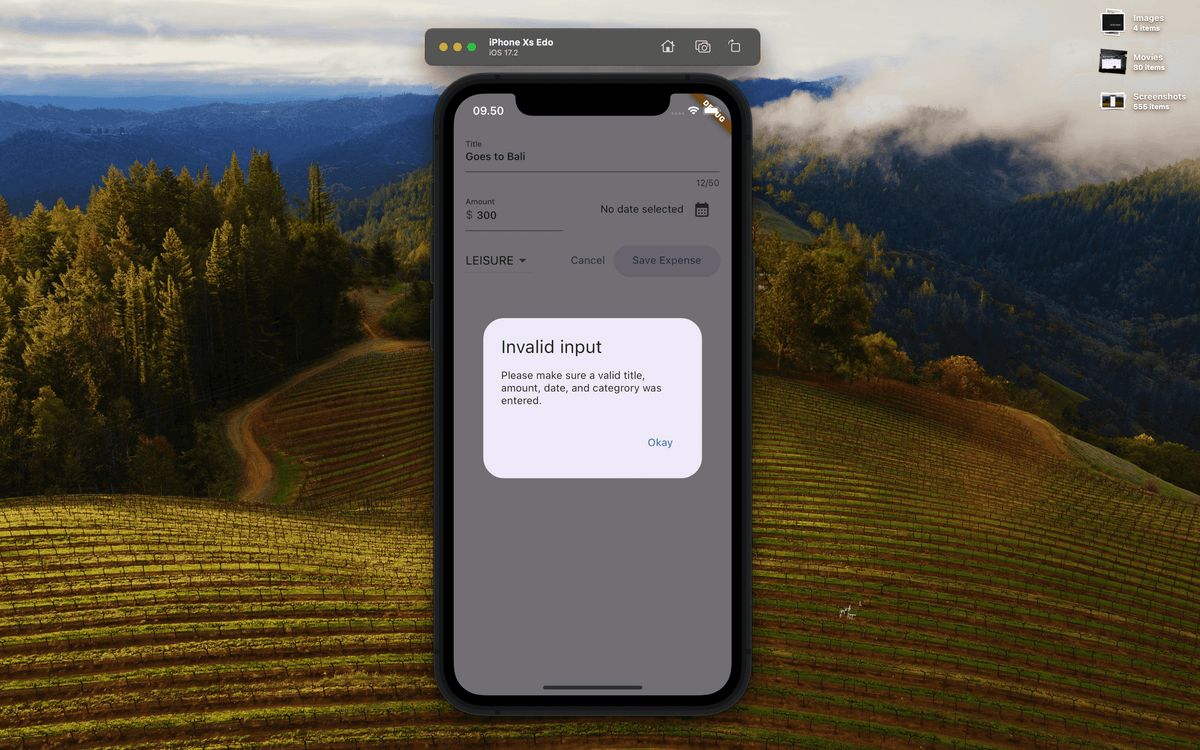
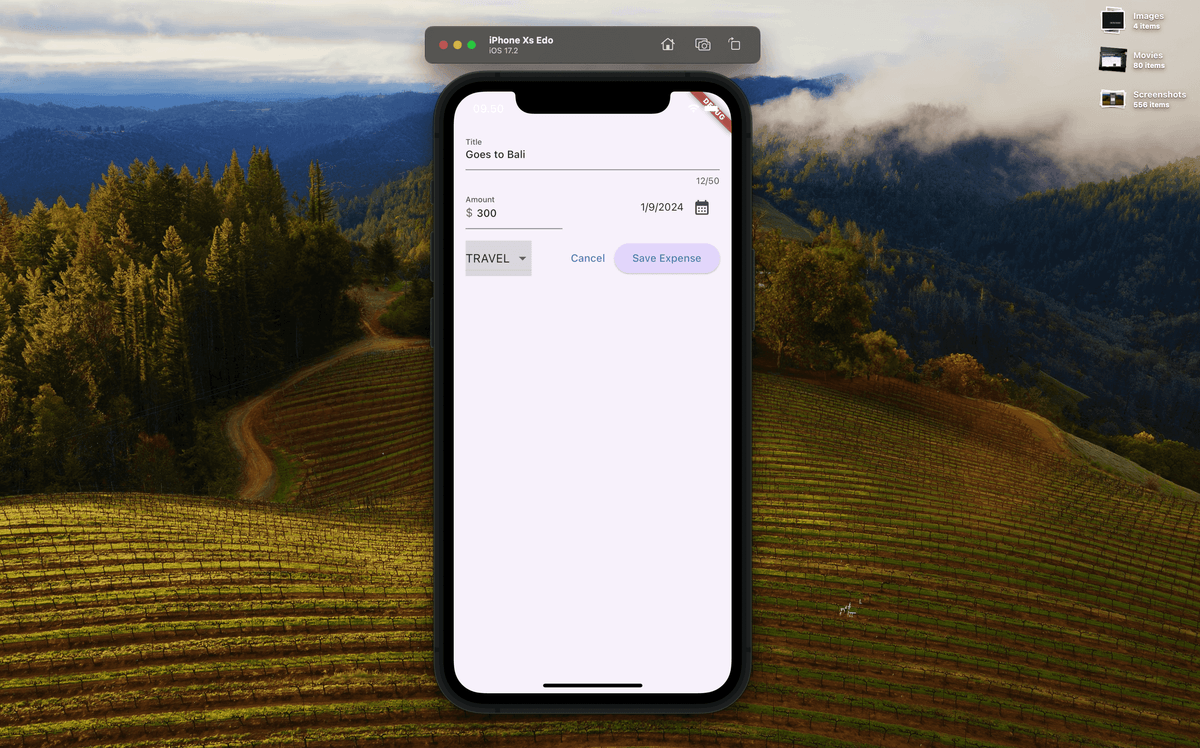
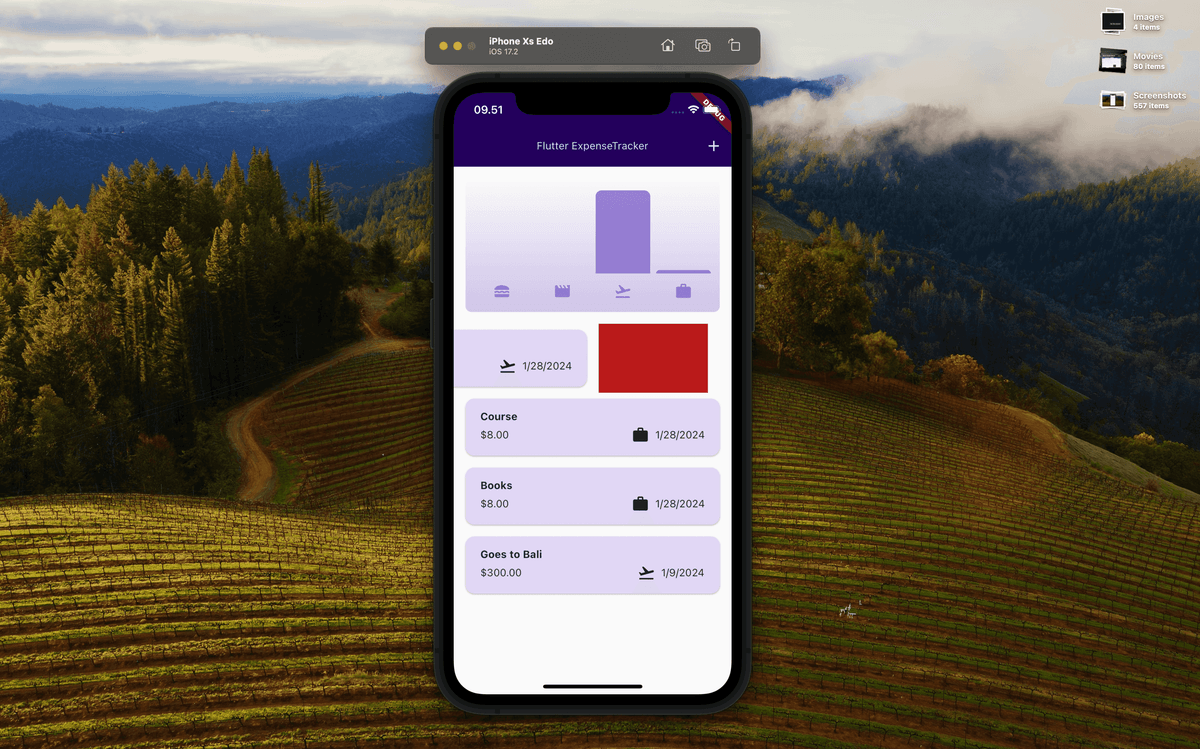
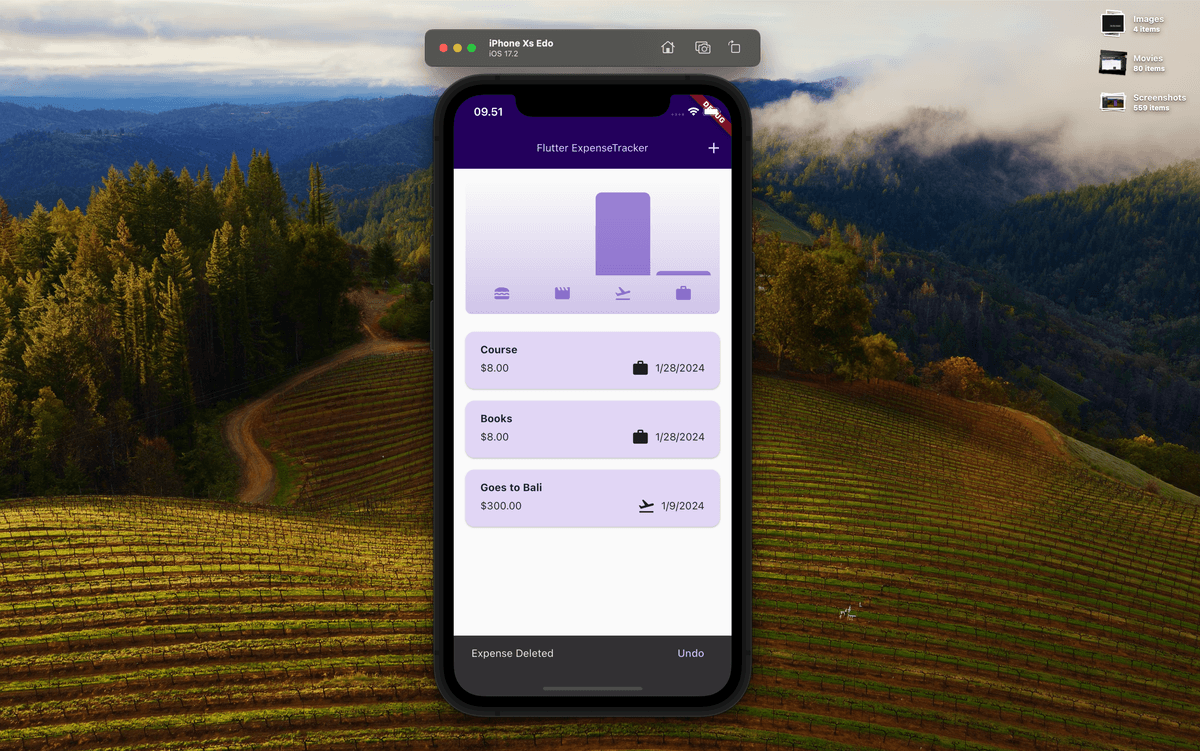
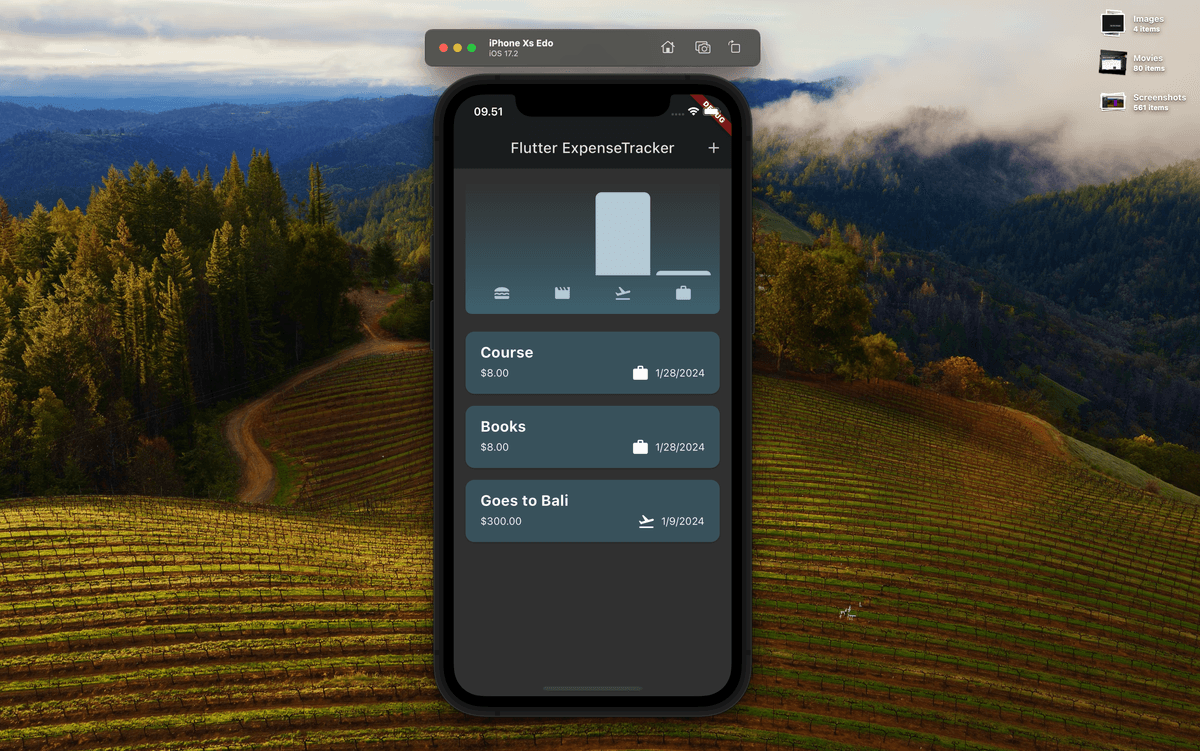
You can use it by tapping the add expense button (plus button in the top right corner), then fill in the expense (title, amount, date and type). Then we will display a list of expenses, along with an analysis chart of expenses based on type. You can also delete an item by sliding the item to the right or left. You can also cancel deletion (if you delete it by mistake or accidentally delete it) by clicking the "undo" button which will appear shortly after you delete an item.
Technologies
See the result on